Login
Login
1. Make Sure to Have an Account
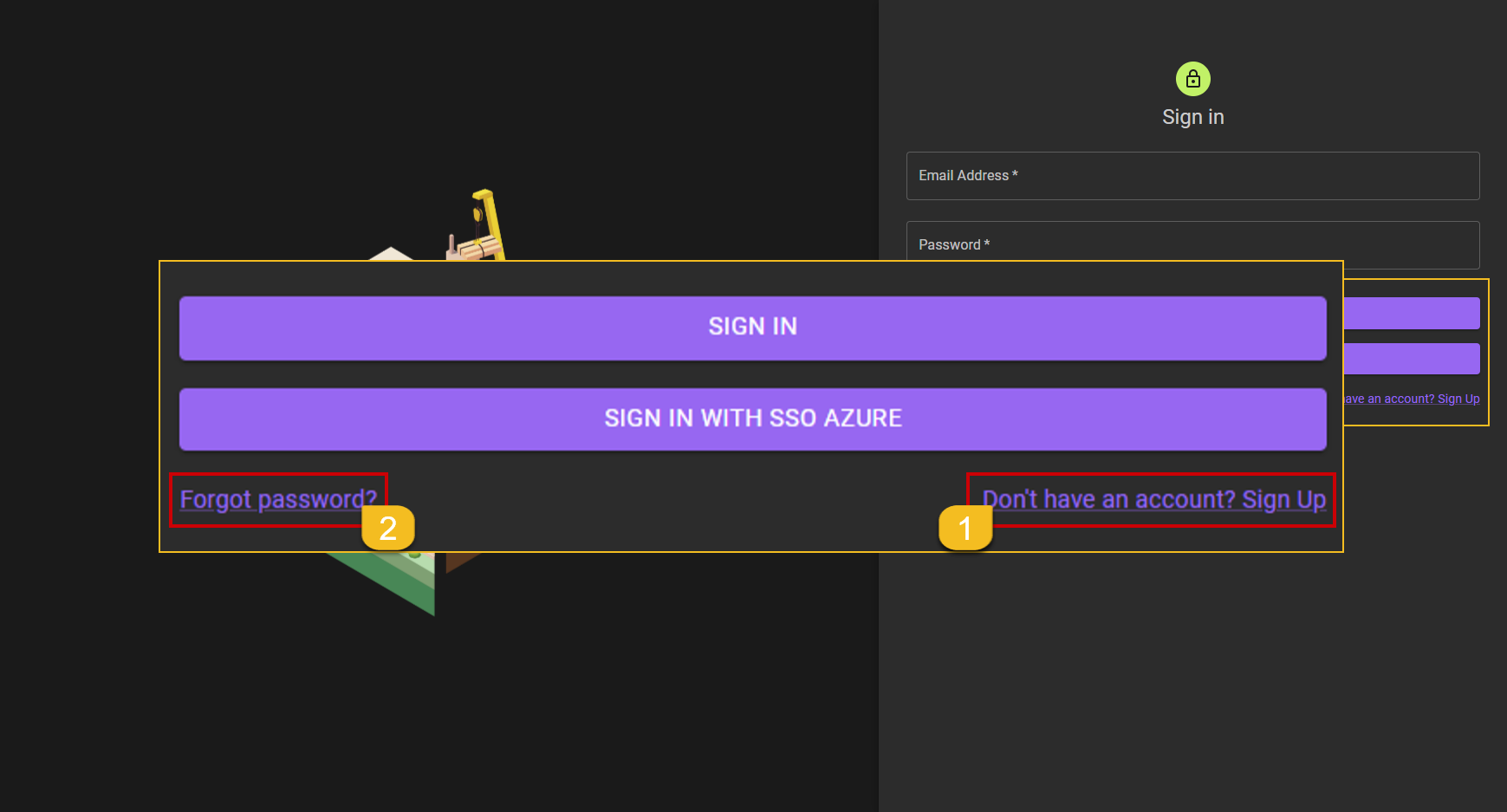 Make sure whether the user has an account.
- If the USER does not have an account, the USER can click the Don't have an account? Sign Up link to be directed to the new account registration form.
- If the USER forgets the password for an account that has been created, the USER can click the Forgot password? link.
Extra:
If USER already have an account the USER can go to next step and start the
Sign Inprocess by filling up all the field that need to be filled.
2. Sign In
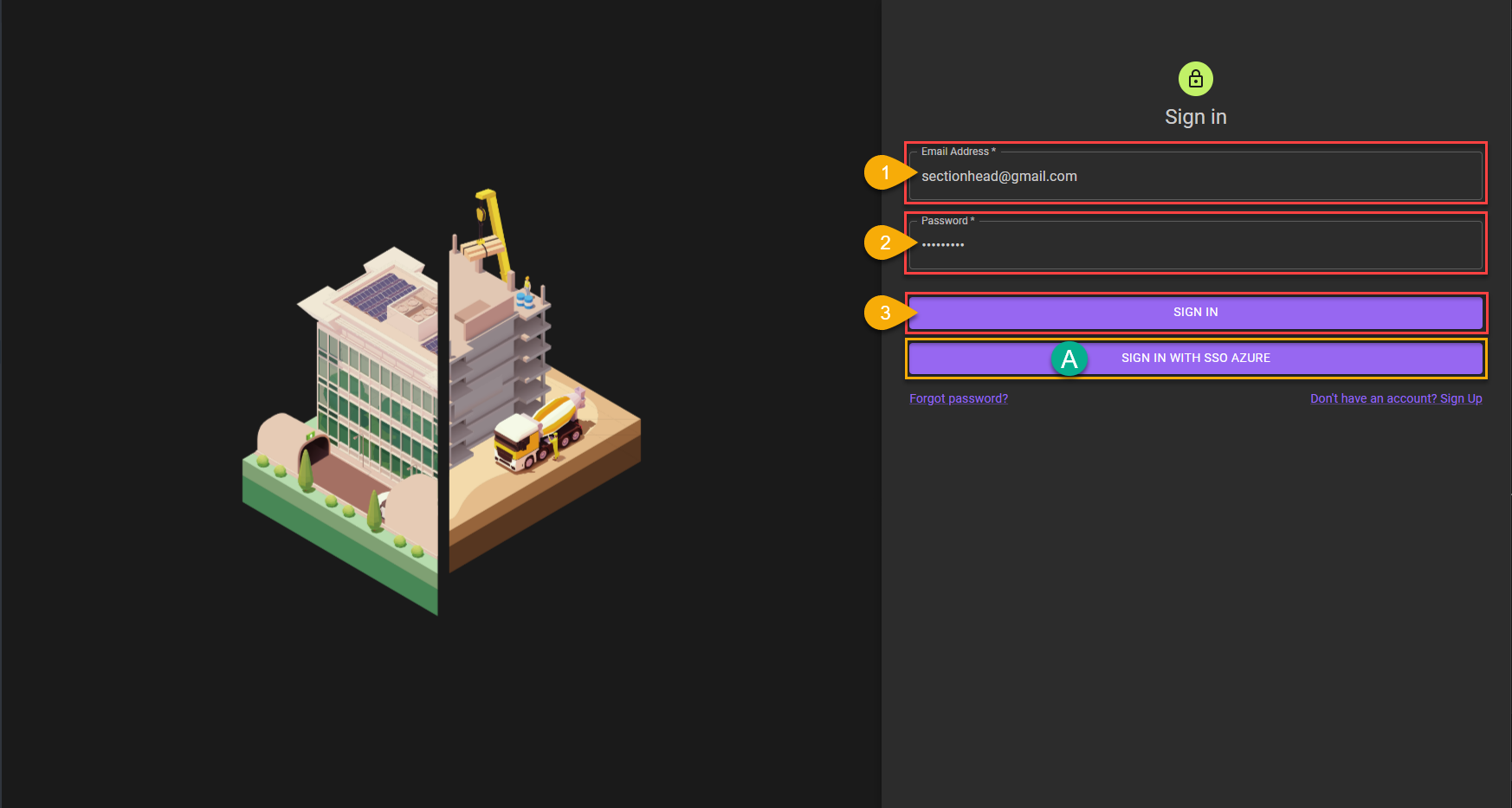
- The USER fills in the
Email Addressfield with the registered email address. - The USER fills in the
Passwordfield according to the password with the related email. - If the USER are sure with the data filled in, the USER can end the
Loginprocess by clicking theSIGN INbutton.
A. Additional:
If the USER is an employee of MRT, the USER can perform the
Loginprocess using the SSO AZURE account via theSIGN IN WITH SSO AZUREbutton.
3. Login Finished
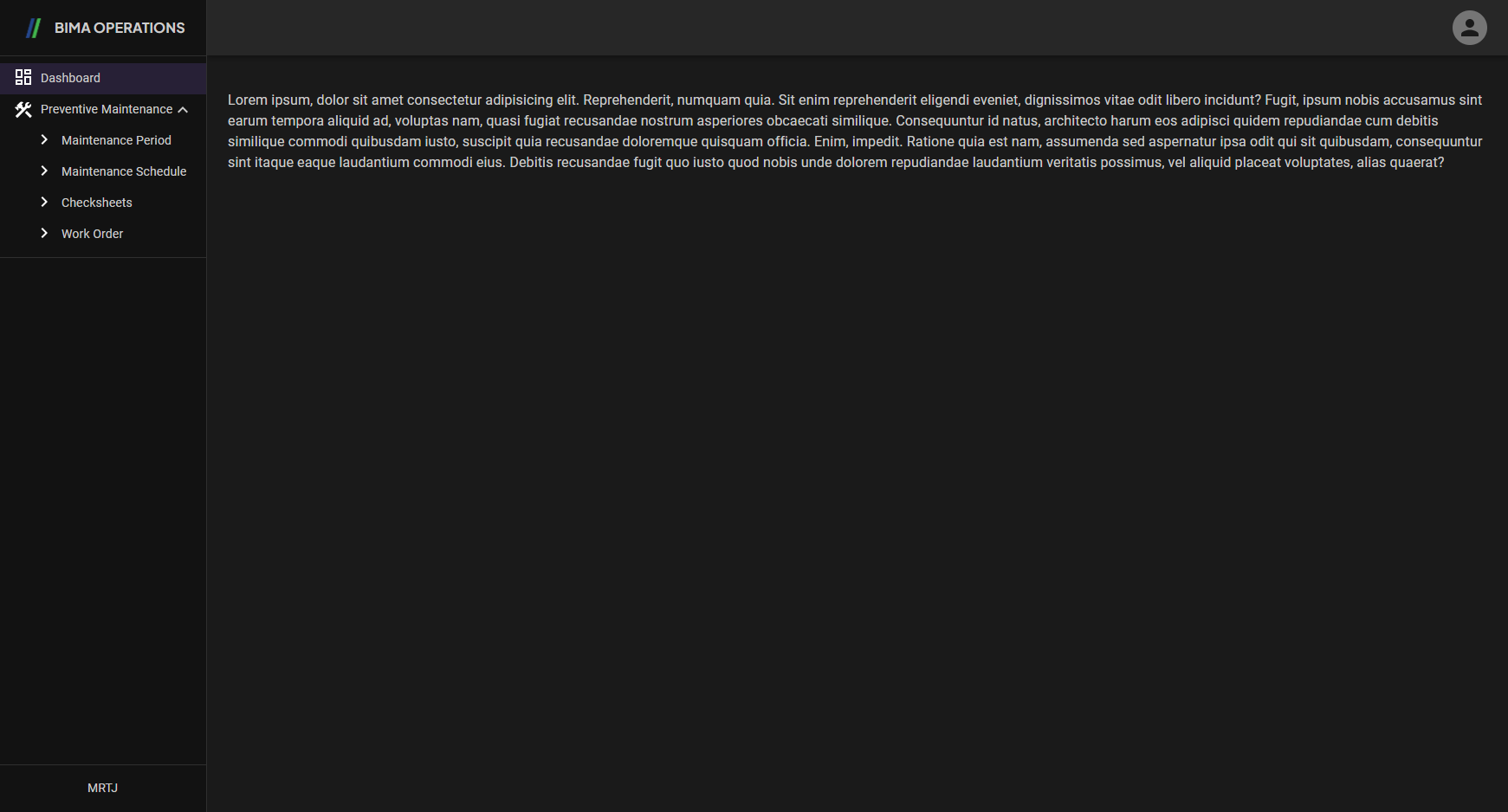 After finishing the Login/SignIn Process BIMA Operations will shown a notification saying
 Welcome [NAME]!.
Extra:
If the USER login using a freshly made account and gotten a display of an empty page of
Dashboard/Homepageand doesn't have any sidemenu other thanDashboard.
It means the account that the USER has are a
Role-less&Department-lessaccount. The USER then can ask the Admin to give USER the role & department based on what the role & department that are proper and are required at that time.