Forgot Password?
Forgot Password?
1. Open Forgot Password Form
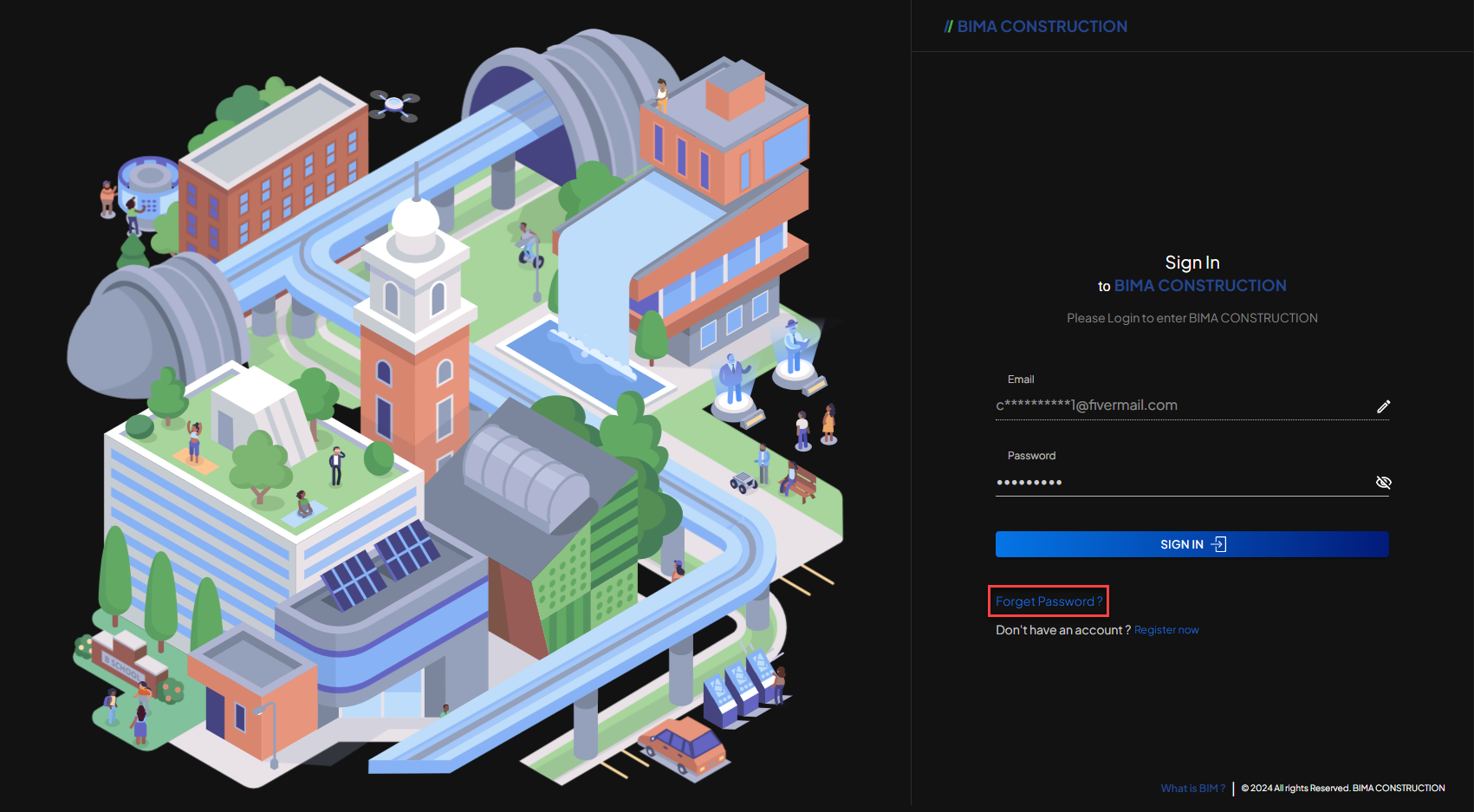 When USER is on the
 Sign In page of the BIMA Construction application, USER can click the Forgot Password? link to go to the forgot password request page.
2. Fill in the Form
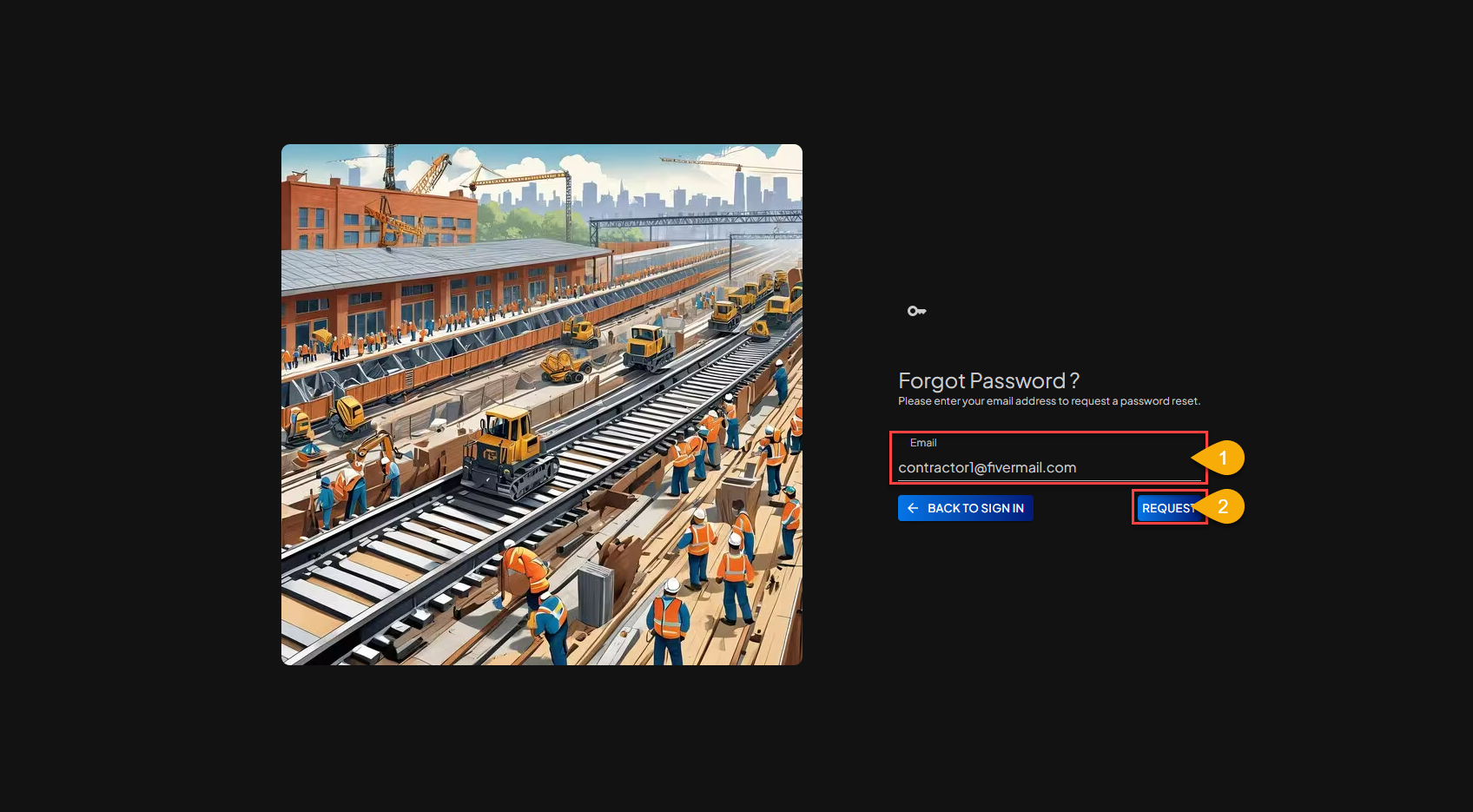
- In the
Forgot Password?request form USER can fill in the email address of the account that USER forgot the password for. - After USER fills in the
Forgot Password?request form correctly, USER can click theREQUESTbutton to end and send a password reset request to Admin.