Workflow Introduction
Workflow Introduction
The workflow in this process involves the creation, transmittal, review, and approval of building project models. Initially, the Contractor team creates the model in BIMA Projects and sends it to the Consultant team via BIMA Construction. Upon receipt, the Document Controll team sets up a review workflow in BIMA Construction, either using pre-existing templates or custom configurations. This workflow facilitates thorough review, feedback, and approval stages by the Consultant team. If revisions are needed, the Contractor team makes the necessary changes and resubmits the model. The process repeats until the document is finalized and approved, ensuring clear communication and collaboration between the Contractor and Consultant teams.
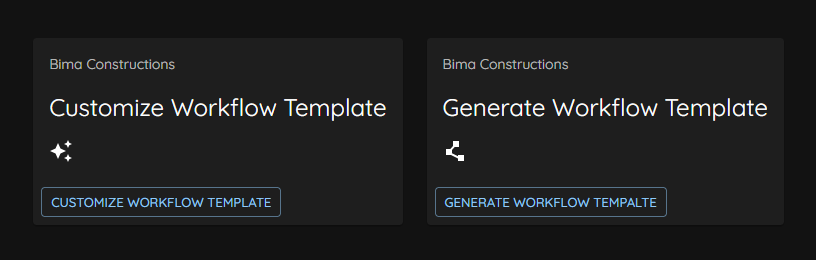
Initially, the Document Control (DC) personel from the Consultant side will manage the workflow from start to finish. They are responsible for overseeing the entire process including assigning tasks to members from start to finish. When the DC create a new workflow for the first time, they will be faced with the decision of determining what type of workflow they will implement.
DC can choose on whether they make it using a templete that available already on BIMA Construction app or made it using the customize workflow that built based on the already available one.
The Flow
Generally the display on Workflow after it is made will be like in the image below.
These are several process on the
Workflowthat will be delivered.
- DC assign LR →
Document ControlassignLead Revieweron a task, the process can see on this DC assign LR process. - LR assign Reviewer →
Lead Reviewerassign ``Reviewers'` on a task to review some file in side a document (pdf or file model), the process can be seen in this LR assign Rerviewer process. - Review →
Reviewerdoing review process on a document that had been assigned byLead Reviewer, the process can be seen in this Document Review process. - Consolidatel & Approve Comments →
Lead Reviewercheck on the comment/review that left by the reviewer, the process can be seen in this Reviewer. - PM Validate → After
Project Managergot task assigned from theDocument Controller,Project Managerview/validate the entire update/review/comment that has been added when the workflow process is running.Project Managercan then complete the validation process if the document is deemed complete as it should. The process can be seen in this Document Validate process. - DC Close Out → After all processes are declared complete, the
Document Controllercan then end the workflow of the work that has been done. The process can be seen in this Closing Out the Workflow process.